Matter smart locks for Apple Home (HomeKit)
How do Matter smart locks work offline, from away and with guest codes? Our best Matter smart locks guide answers that, starting with offline use, and compares every certified lock sold in the US; for an apartment or other rented door, the Matter smart locks for renters guide picks locks that keep your existing deadbolt or its exterior hardware.
27 catalog entries · 12 reference records hidden · 2 unverified listings hidden · Check each model, region and setup requirements. We may earn a commission from retailer links. How our links work
27 catalog entries · 12 reference records hidden · 2 unverified listings hidden
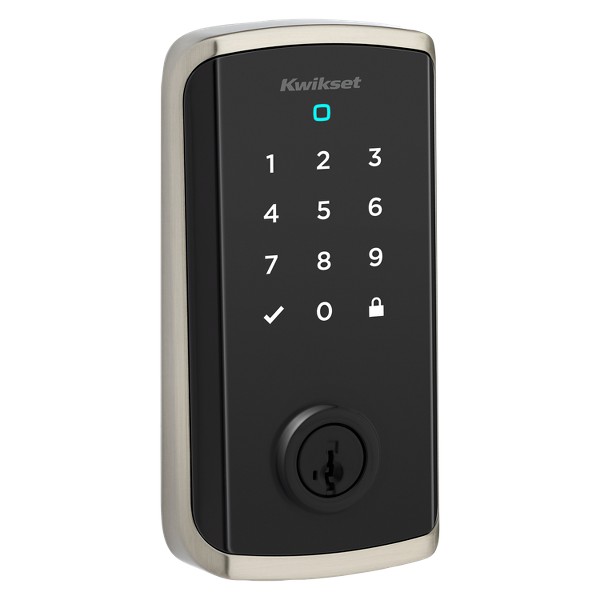
Kwikset
Kwikset Halo Select Plus Touchscreen Smart Lock, Wi-Fi and Matter Enabled, Satin Nickel
Locks · Wi-Fi / Thread
CSA record available
ThreadWi-FiImage unavailable
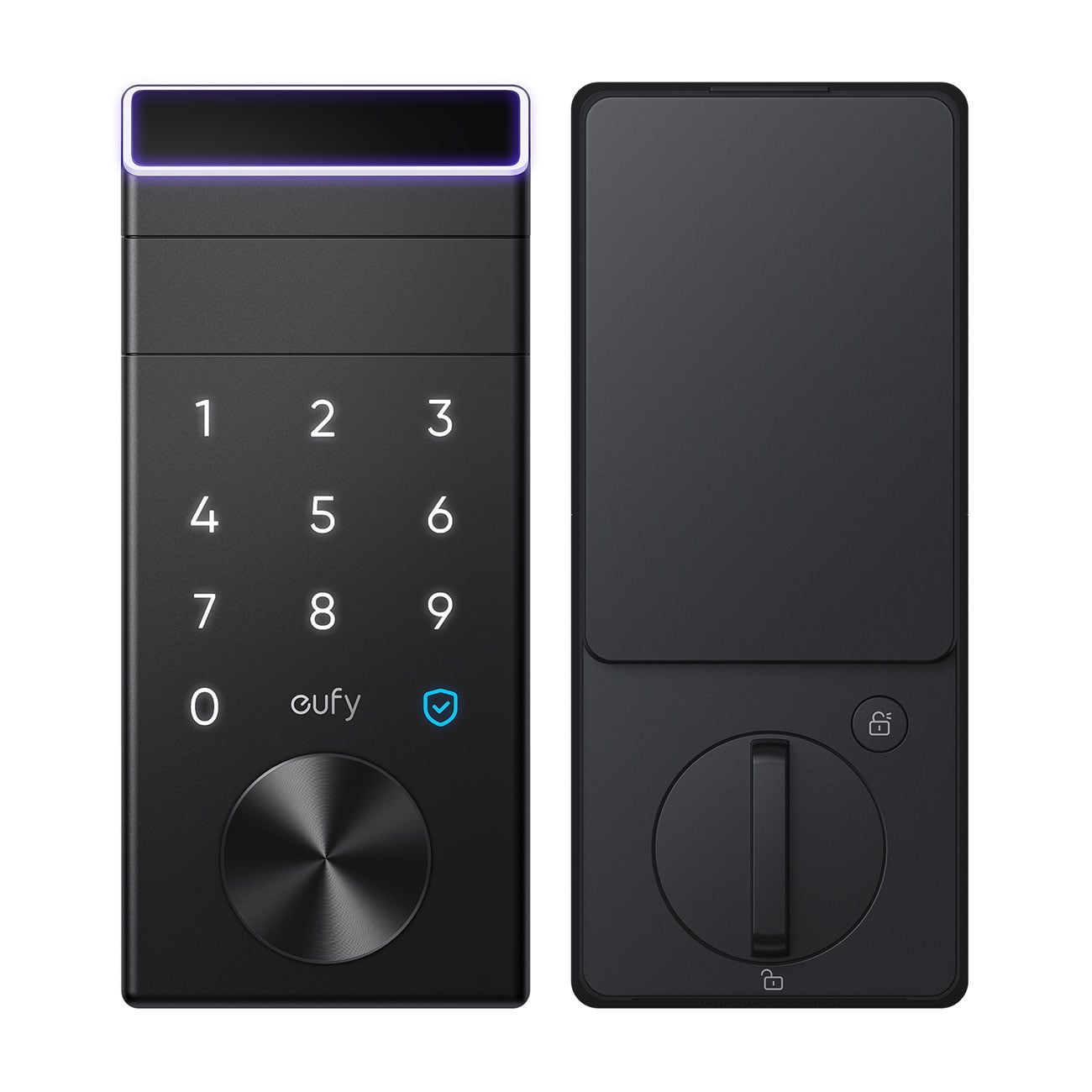
eufy
eufy E31 Fingerprint Keyless Entry Door Lock with Apple Home, for Front Door or Back
Smart Lock E31 (T85F0) · Locks · Thread / Bluetooth
CSA record available
Thread
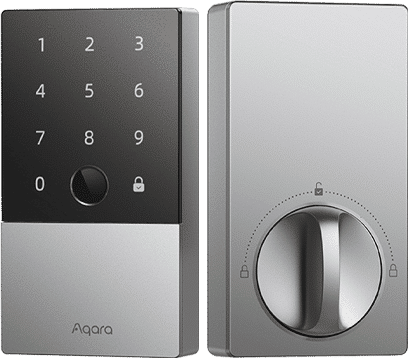
Aqara
Aqara Smart Lock U200 Kit with Fingerprint Keypad, Matter over Thread, Apple Home Key
Locks · Thread / Bluetooth
CSA record available
Thread

LOCKIN
Lockin Veno Plus Palm Vein Recognition Video Smart Lock
Locks · Thread
CSA record available
Thread


Level
Level Lock (Matter)
Matte Black finish (C4) · Locks · Thread / Bluetooth
CSA record available
ThreadImage unavailable



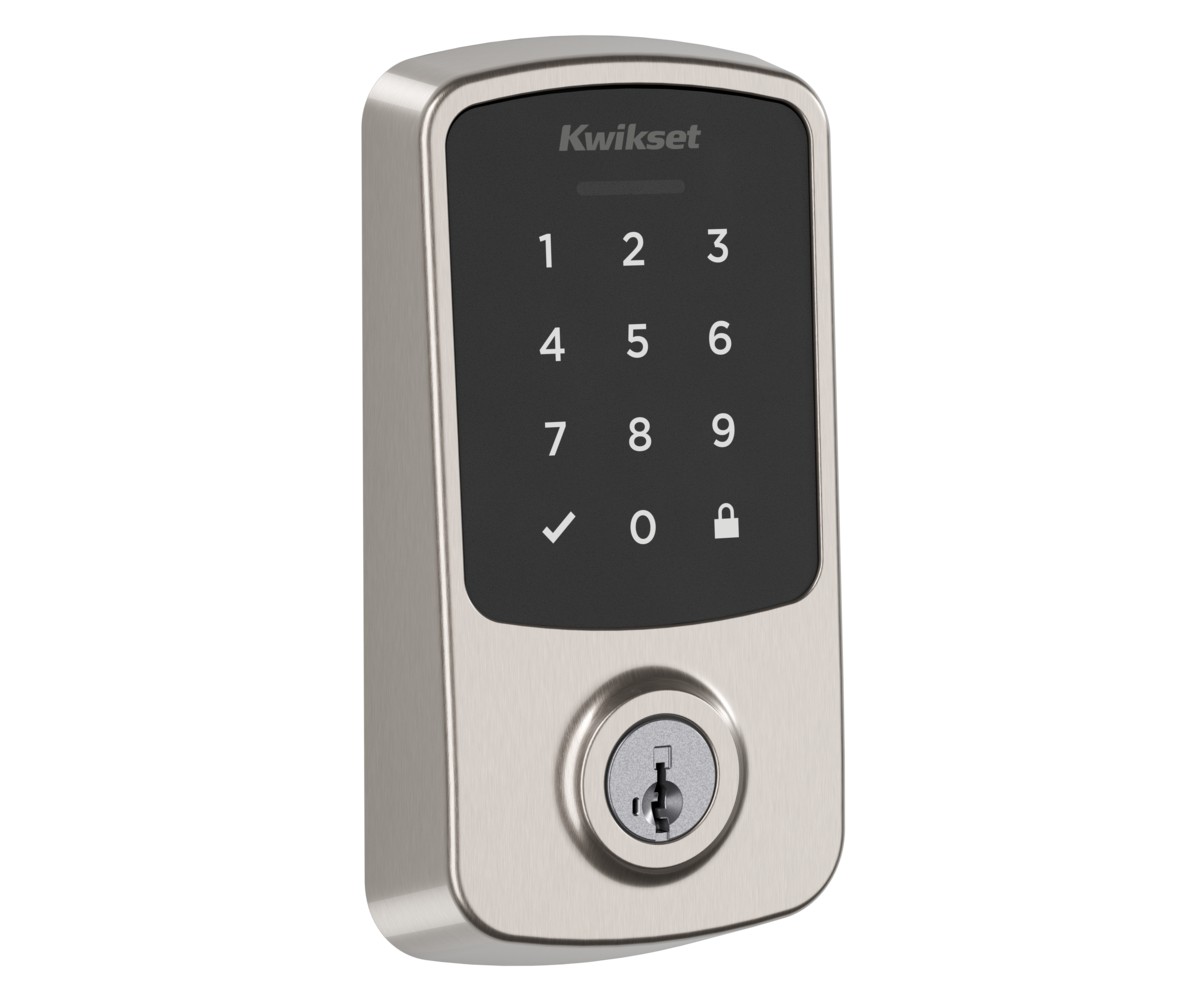
Kwikset
Kwikset Aura Reach (9400)
Satin Nickel (994000-003) · Locks · Thread / Bluetooth
CSA record available
ThreadImage unavailable
Image unavailable
Image unavailable


Accurate Lock & Hardware
Accurate Lock & Hardware SmartEntry
Locks · Thread / Bluetooth
CSA record available
Thread
This page lists 27 Matter smart locks whose records list Apple Home; 21 have a verified US store link. Of the 27, 22 list Thread as their Matter network, 3 list Wi-Fi and 2 do not name one Matter network on their own; 26 have a CSA Matter certificate matched to the exact model. Apple says that with iOS 18 or later you can add and control Matter accessories in the Home app without a home hub, recommends one for the best experience, and says Thread-based accessories require a Thread-enabled home hub or a compatible third-party Thread border router; Apple lists the Apple TV 4K (2nd generation), the Wi-Fi + Ethernet model of the Apple TV 4K (3rd generation), HomePod (2nd generation) and HomePod mini as Thread-enabled. Our Matter smart locks guide compares the picks. Our Apple Home guide shortlists CSA-certified Matter lights, plugs, locks, sensors, thermostats, blinds and switches whose makers name Apple Home, and answers the home hub and Thread questions.
Sources: Apple: Pair and manage your Matter accessories, read October 11, 2026; Apple Support: If you see a ‘Thread Border Router Required’ or ‘Needs Thread Network’ alert on your iPhone or iPad, read October 23, 2026.
29 of the 47 Matter certified smart locks sold in the US list Apple Home in their records. Apple Home Key support is a separate feature; check it on the exact model. See every certified Matter smart lock →
As of . Counts are the catalog records this list filters; a CSA certificate counts only when it names the exact model, and a store link counts only when we verified it for the exact model. Sources: MatterCatalog: Matter certified devices sold in the US; CSA certified products database; How MatterCatalog checks (editorial policy).
Frequently asked questions
How many Matter smart locks work with Apple Home?
This page lists 27 Matter smart locks whose records list Apple Home; 21 have a verified US store link. Of the 27, 22 list Thread as their Matter network, 3 list Wi-Fi and 2 do not name one Matter network on their own; 26 have a CSA Matter certificate matched to the exact model. Apple Home Key support is a separate feature; check it on the exact model.
Does Matter support establish Apple Home Key support?
Check Home Key support separately in the exact lock's documentation. Do not infer a particular access method from a Matter or Apple Home listing alone.
What should I check about installation and setup?
Match the lock to your door, existing hardware and regional installation requirements. Confirm whether the setup needs a manufacturer bridge, a Thread border router or other controller equipment.
How should I compare access and security features?
Review the exact model's documentation for user access, account settings, update policy and supported unlock methods. Confirm which functions are available in Apple Home and which use the manufacturer's app.
Explore more Matter devices
Matter smart lights for Apple Home (HomeKit)Matter smart lights for Amazon AlexaMatter smart lights for Google HomeMatter smart plugs for Amazon AlexaMatter sensors for Samsung SmartThingsMatter smart thermostat catalogMatter catalog entries listing ThreadMatter robot vacuum catalogMatter smart switches for Google HomeMatter blinds, shades and curtain catalogBudget Matter devices listed under $25Matter certified devices you can buy in the USMatter certified smart locksMatter certified smart plugsMatter certified light bulbsZigbee to Matter bridges you can buy in the USMatter thermostats for Apple Home (HomeKit)Matter floor lamps and table lampsMatter over Thread sensorsMatter over Thread smart locksMatter over Thread light switches and dimmersMatter over Thread lights and bulbsMatter over Thread blinds and shadesMatter over Thread smart plugs and outletsMatter sensors for Apple Home (HomeKit)Matter motion and presence sensorsMatter dimmer switches and plug-in dimmersMatter certification statisticsBrowse the catalog →